
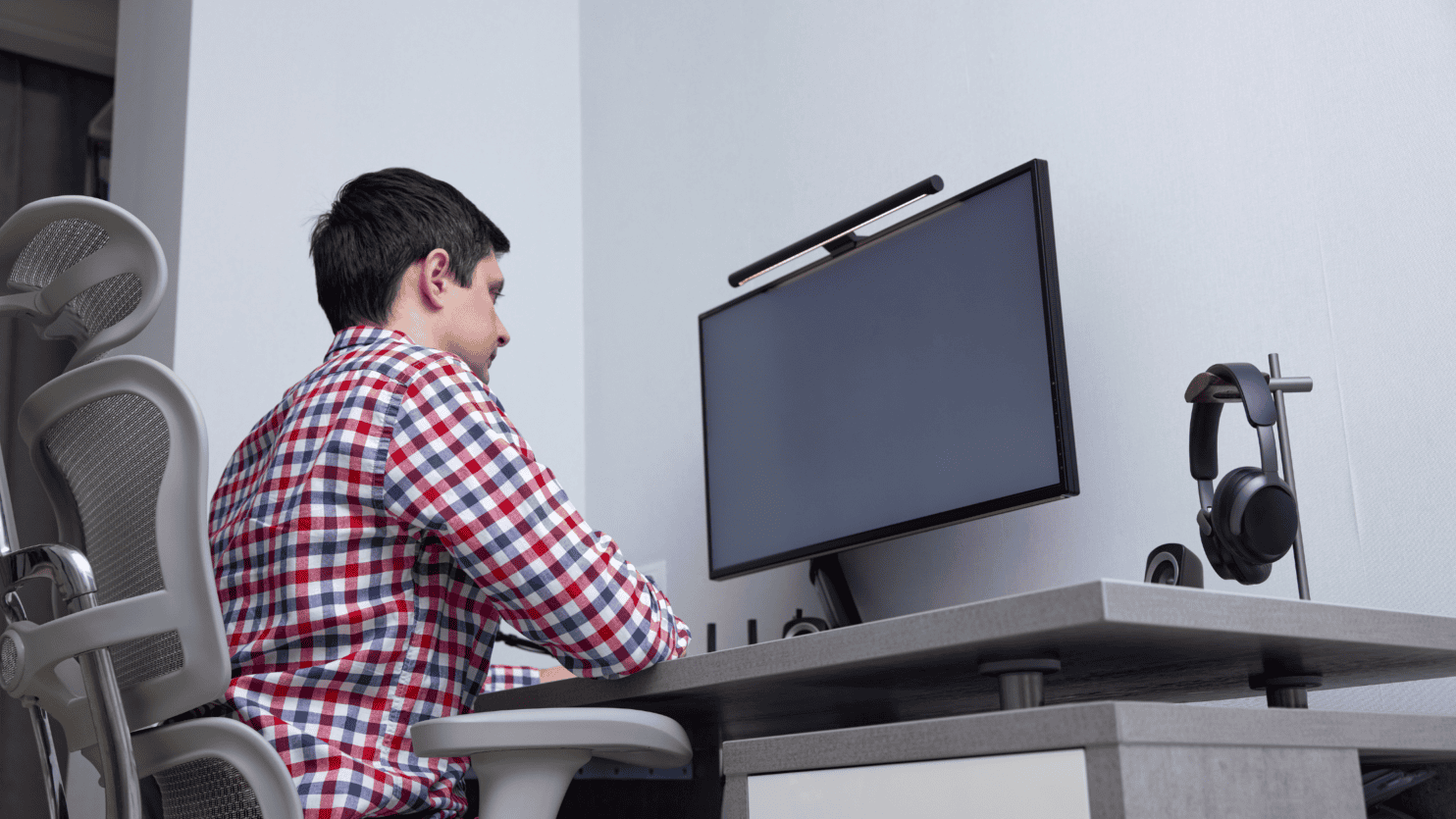
In today’s world, many people spend hours working, studying, or relaxing at home. Whether you’re at a desk, on the couch, or in the kitchen, your home setup plays a major role in how your body feels. Poor posture and improperly arranged workspaces can contribute to neck pain, back pain, shoulder tension, and even headaches.
The good news? Small ergonomic changes can make a big difference in preventing pain and improving overall comfort.
What Is Ergonomics?
Ergonomics is the science of designing spaces and tools to fit the human body. The goal is to reduce strain, improve posture, and prevent injury. When your home environment supports proper alignment and movement, your muscles and joints don’t have to work as hard.
Over time, poor ergonomics can lead to:
- Chronic neck and back pain
- Shoulder and wrist strain
- Sciatica symptoms
- Headaches
- Fatigue
Creating an ergonomic home setup helps protect your spine and joints while supporting long-term health.
Setting Up an Ergonomic Home Office
With remote work becoming more common, many people are using makeshift desk setups that may not support proper posture. Here’s how to optimize your workspace:
1. Chair Support
- Supports the natural curve of your lower back
- Allows your feet to rest flat on the floor
- Keeps your knees at about a 90-degree angle
If your chair lacks lumbar support, a small pillow or rolled towel can help.
2. Desk and Keyboard Position
Your elbows should rest at about a 90-degree angle, close to your body. Your wrists should remain neutral—not bent up or down.
If your desk is too high, consider a keyboard tray. If it’s too low, adjust your chair height and use a footrest if needed.
3. Monitor Height
The top of your screen should be at or slightly below eye level. Looking down for long periods increases strain on your neck. Keep the monitor about arm’s length away.
If using a laptop, consider a separate keyboard and mouse with a laptop stand.
Ergonomics Beyond the Desk
Couch and TV Time
Avoid slouching or sitting with your head forward for long periods. Use supportive pillows and keep screens at eye level whenever possible.
Kitchen Setup
- Keep frequently used items within easy reach
- Avoid prolonged bending
- Use anti-fatigue mats if standing for long periods
Sleep Position
Your mattress and pillow matter. A supportive mattress and properly sized pillow help maintain spinal alignment. Side sleepers may benefit from placing a pillow between the knees.
The Importance of Movement
Even the most perfectly designed ergonomic setup cannot replace movement. Prolonged sitting increases pressure on the spine and reduces circulation.
- Stand up every 30–60 minutes
- Stretch your neck, shoulders, and hips
- Take short walking breaks
Simple mobility exercises throughout the day can significantly reduce stiffness and tension.
When to Seek Help
If pain persists despite improving your home setup, it may be time to consult a medical professional. Ongoing discomfort could indicate underlying issues such as muscle imbalance, nerve irritation, or joint dysfunction.
A comprehensive evaluation can help determine the cause and guide personalized treatment options, which may include physical therapy, posture correction strategies, or non-surgical interventions.
Final Thoughts
Your home should be a place of comfort—not a source of chronic pain. By making intentional home ergonomic adjustments and prioritizing movement, you can significantly reduce strain on your body and support long-term musculoskeletal health.
Small changes today can prevent bigger problems tomorrow.
[gravityform id=10 title=false description=false]